Considering the diversity we have in Europe, who has not ever found in international organizations which main working language is English, some issues with currency and date formats? Today I would like to share how I solve this constraint in Power Platform.
Context
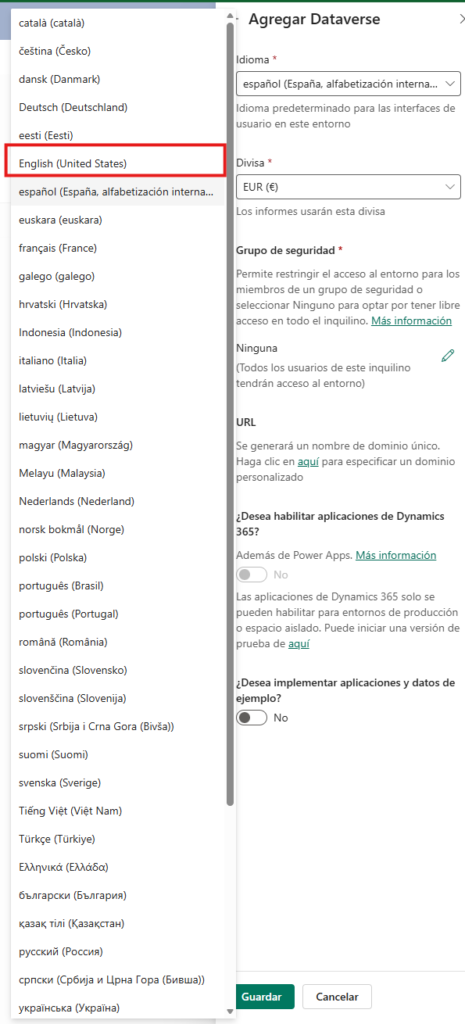
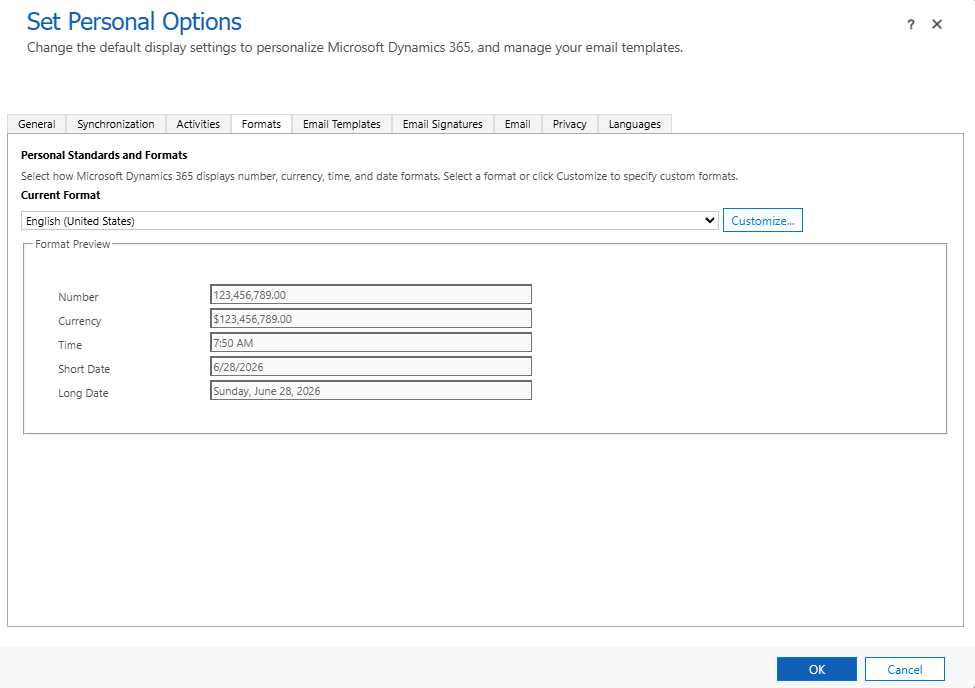
When creating a new environment in Power Platform, the only english option available is “English (United States)”
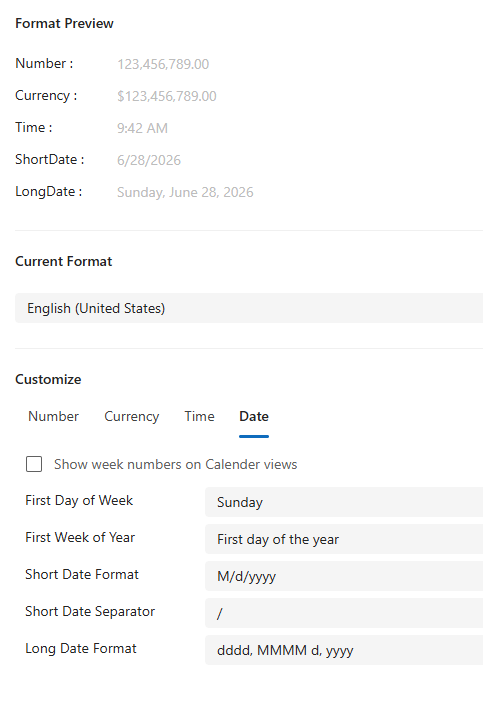
The downside of choosing this option is that by default the date format is “M/d/yyyy”, and the currency symbol “$”
As I’m based in Belgium, I usually use the format “French (Belgium)” and then I customize the date format to “dd/MM/yyyy” with separator “/”:
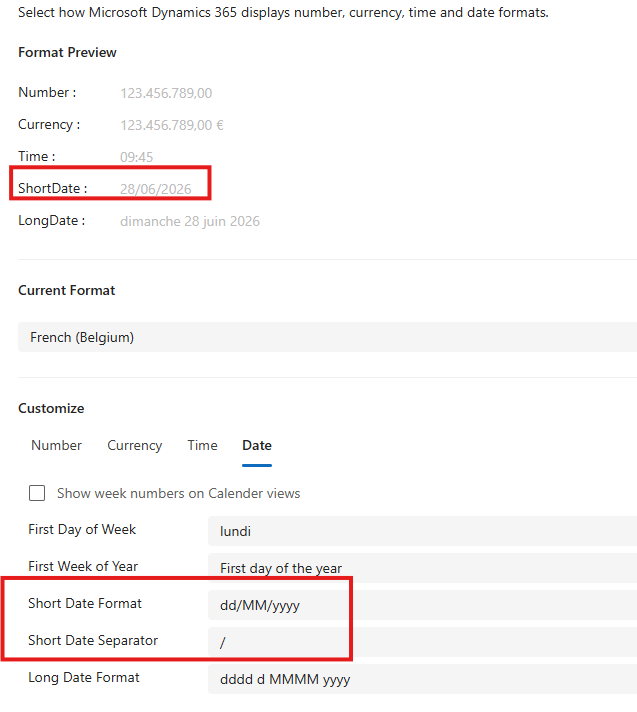
These settings will apply only to new users, but what do we do with already existing users? All users could personalize their own currency and date formats from the “Personal Options”, but it is not efficient to notify and follow up with all users the change in their accounts. We can easily propagate this setting to all users using XrmToolbox.
Solution
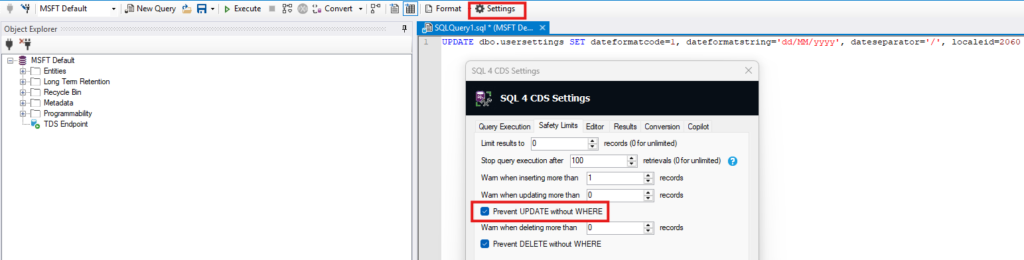
All user’s personal settings are stored in a hidden table in Power Platform called “usersettings“, this table is not visible from the UI but is accesible using the Dataverse APIs. To modify the values from this table I use the plugin “SQL 4 CDS” in XrmToolBox because it allows you to modify the values using SQL syntax.
Once connected to the environment you can run the following command:
UPDATE dbo.usersettings SET dateformatcode=1, dateformatstring='dd/MM/yyyy', dateseparator='/', localeid=2060 WHERE systemuserid=''
I highly recommend using the WHERE clause to test the result with your own or test user before applying the settings to all users.

TIP: Remember to uncheck the safety limit “Prevent UPDATE without WHERE” from the “SQL 4 CDS” settings